
Plenty of workout trackers are cross-platform ports — built for Android first, then adapted for iPhone with the rough edges still visible. If you're on iOS, that shows up in small but real ways: layouts that don't quite feel native, features that lag behind the Android release, or a design language that's clearly borrowed from somewhere else.
Here's how the apps that take iPhone seriously compare.
Krato is built iOS-first, with adaptive routines and coaching cues designed around the iPhone experience from day one. Strong and Hevy are both strong, mature iOS apps with years of refinement. Apple Fitness+ is the deepest Apple-ecosystem integration but isn't built for structured strength logging.
Krato
Being iOS-first isn't just a technical detail — it means the app was designed around how iPhone users actually train, not retrofitted from a different platform's design decisions. Krato's exercise library, coaching cues, and adaptive routines are all part of one app built specifically for the iPhone, so what you see is the intended experience, not a compromise.
Krato is a native iOS app with adaptive routines and expert coaching cues, designed around the iPhone experience from day one. Free on the App Store.
Try Krato Free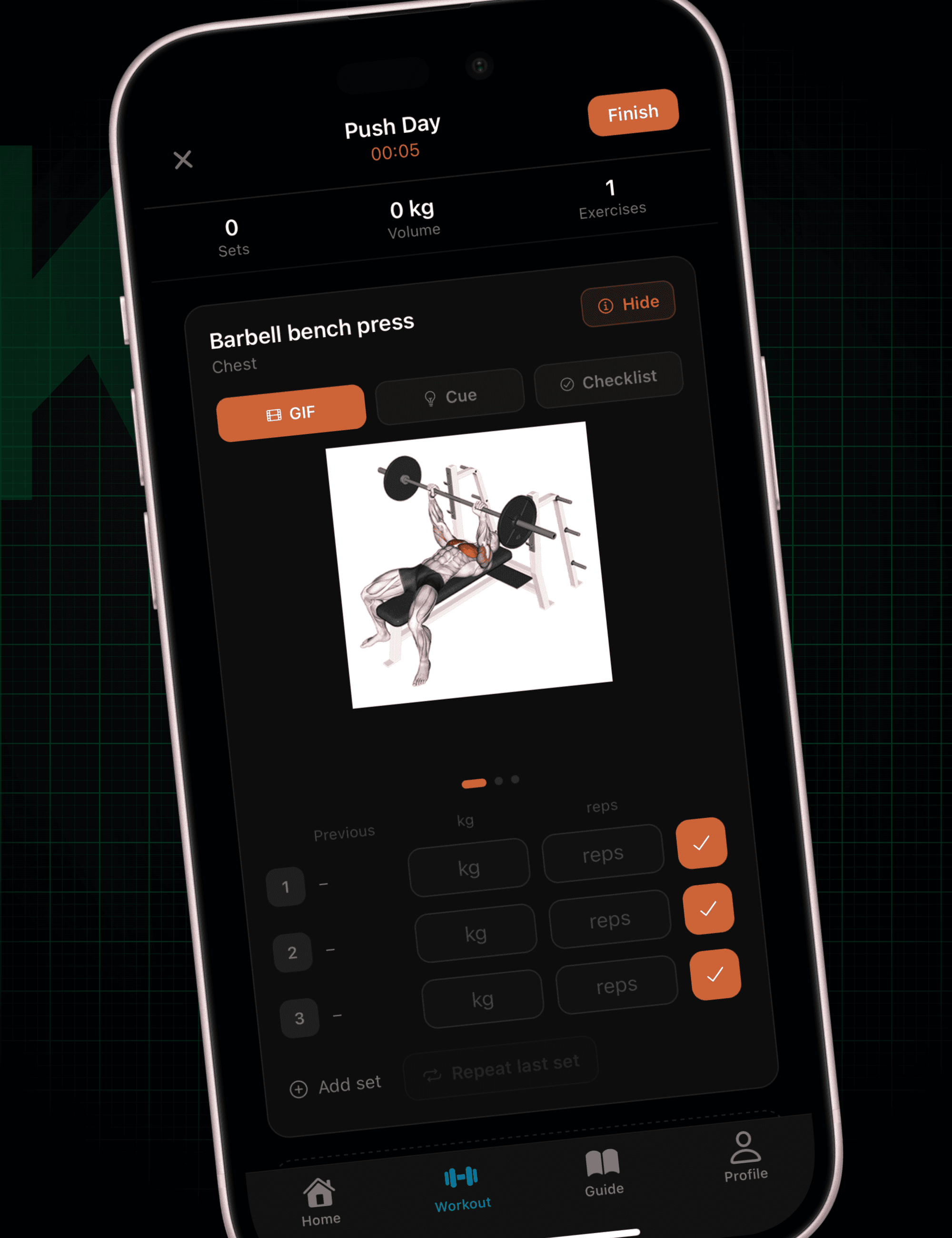
Strong
Strong has been an iOS mainstay for years, and it shows in how polished the core experience is — fast set entry, a plate calculator, and progress graphs that feel native to the platform rather than bolted on. It's one of the most refined loggers in this category on iPhone specifically.
Hevy
Hevy is another iOS-native app with a clean, modern interface and a social layer for following other lifters. Like Strong, it's built with iPhone as a primary platform rather than an afterthought, which shows in the day-to-day polish.
Apple Fitness+
If deep Apple ecosystem integration is what you're after, Apple Fitness+ goes further than any third-party app can — tight Apple Watch pairing, Health app sync, and guided classes that use your Watch's real-time metrics as part of the workout itself.
Where it comes up short is structured strength logging. Fitness+ is built for guided, class-style sessions, not for tracking your own sets, reps, and weight progression on a specific lift over months.
Jefit
Jefit is available on iPhone with the same large exercise library and program catalog as its Android version, but it's a cross-platform app first — the iOS version is solid, without the platform-specific polish you get from an iOS-native app.
What to Actually Look For on iPhone
Being "available on iPhone" and being built for iPhone aren't the same thing:
- Native design, not a port. Layouts, gestures, and typography should feel like they belong on iOS, not adapted from an Android original.
- Fast, frictionless logging. Between-set logging needs to be quick enough that it doesn't break your rest period.
- A reason it's better on iPhone specifically — not just present on iPhone, but designed around it.
The apps on this list all run fine on iOS. The difference is whether iPhone was the platform they were built for, or the platform they were adapted to.
Krato is free on the App Store, with adaptive routines and expert coaching cues built for iPhone from the ground up.