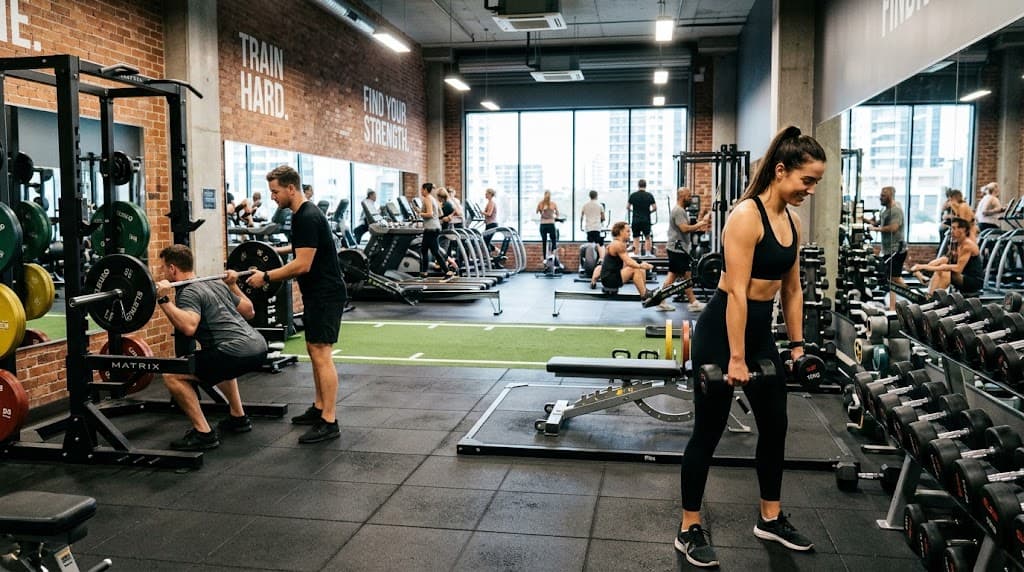
A form check used to mean filming a set and posting it to a forum. Now there are apps that do some or all of that for you. Some watch your rep through the camera and score it, others make it easy to review your own footage, and some coach the technique before you ever pick up the bar.
For automatic, camera-based form checking, Kemtai, Onyx, and Zing Coach are the strongest options. For reviewing your own lifts on video, OnForm is the best fit. Krato is excellent for learning and correcting your form with expert cues on every set, but it doesn't analyze video, so pair it with a camera app if you want your reps checked automatically.
Kemtai
Kemtai uses your phone or laptop camera to track your body during a set and gives live feedback on joint angles, range of motion, and tempo. It's one of the closest things to a trainer watching every rep. The catch is setup: it needs a clear, well-lit view of your whole body, which is easier at home than on a busy gym floor.
Onyx
Onyx turns your phone into a motion-tracking coach that counts reps and scores your form in front of the camera. Watching your form score climb over time keeps you motivated. It works best for bodyweight and dumbbell movements, where a single camera angle can capture the full range of motion.
Zing Coach
Zing Coach combines camera-based form feedback with an AI-generated training plan. It's a good fit if you want one app to decide your workout and check your reps, instead of using two separate tools.
OnForm
OnForm is a video analysis app: you record a set, then scrub through it frame by frame, slow it down, and draw lines and angles over the footage. Nothing is automatic, since you (or a coach you share it with) do the judging. For barbell lifts like squats and deadlifts, where depth and bar path matter, that manual control is often more useful than an automated score.
Krato
Krato goes at form from the other end. Every exercise in your program comes with an expert coaching cue on the set itself: where your knees should track, how deep to go, what to brace. You know what a good rep looks like before you start, and the reminder shows up right when you need it. Krato also adjusts your weights and reps each session based on what you logged, so the cue always goes with a target that makes sense for you that day.
One exception to be clear about: Krato does not have video or camera-based form detection. It won't watch your rep and flag a rounded back or a caving knee. It teaches and reinforces correct form; it doesn't check it automatically. If you want that, use Krato alongside one of the camera apps above or a quick video review in OnForm.
Every exercise in Krato comes with an expert coaching cue alongside the target, so you know how to lift it, not just how much.
Try Krato Free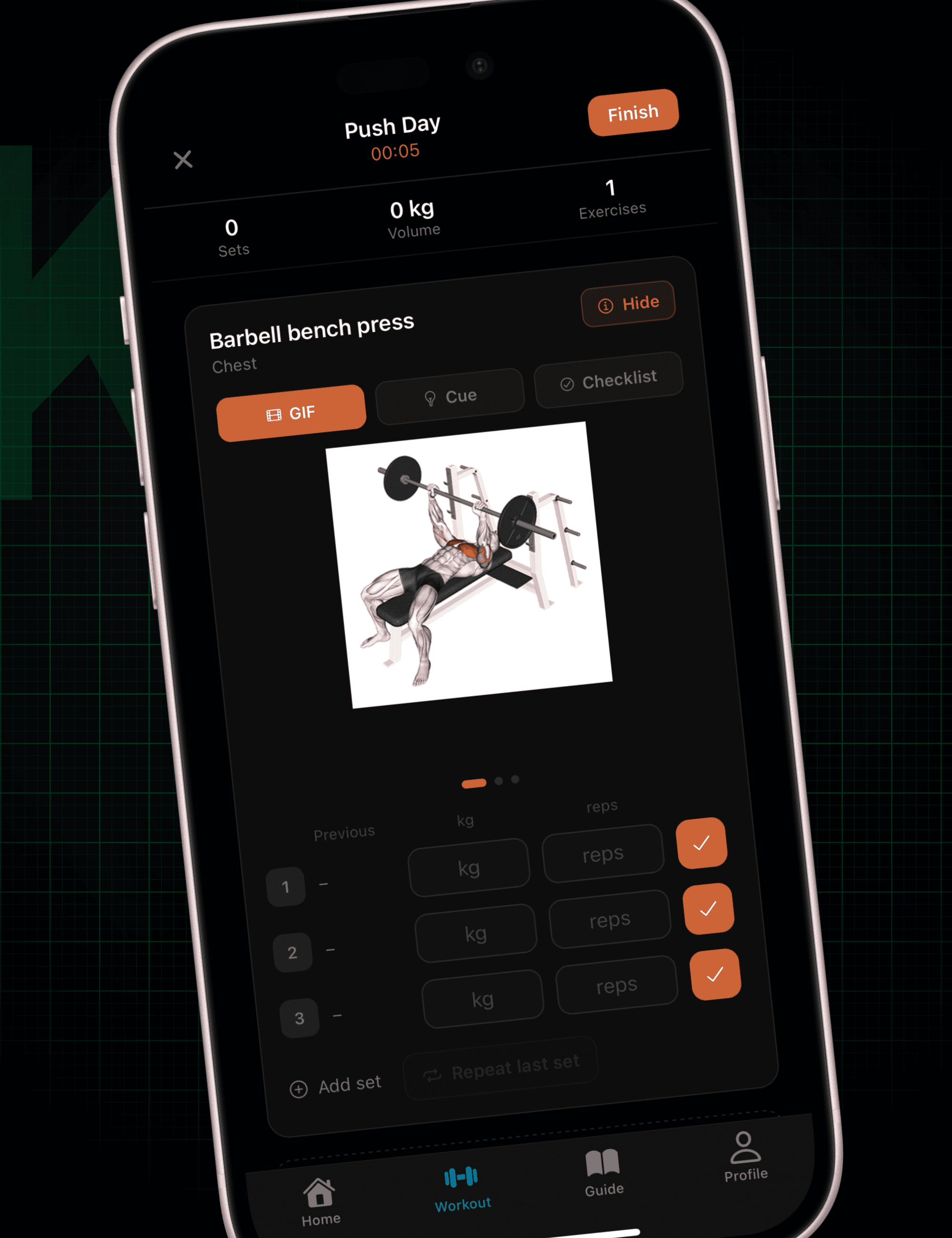
Which One Should You Use?
- You want your reps checked automatically: Kemtai, Onyx, or Zing Coach.
- You lift barbells and want to review your own footage: OnForm.
- You're not sure what good form even looks like yet: Krato, because a camera can't fix a cue you've never learned.
Many lifters end up using two: one app to learn and cue the movement, and the camera to confirm it holds up under load.
Frequently Asked Questions
Are form checking apps accurate?
Camera-based apps are good at counting reps, range of motion, and obvious faults like shallow squats. They struggle with poor lighting, baggy clothes, and partial views of your body, so treat their score as a guide rather than a final verdict.
Does Krato check my form with the camera?
No. Krato coaches your form with expert cues on every set, but it doesn't use video or camera detection. To get your reps analyzed automatically, pair it with a camera-based app.
Can I check my form without an app?
Yes. Film your set from the side at hip height and compare it to the cues for that lift. A form checking app just makes that faster, or does the watching for you.
Krato pairs every exercise with an expert coaching cue and adapts your plan session to session.