
Progressive overload sounds simple on paper: lift a little more over time than you did last time, and your body adapts. In practice, it's the single hardest thing to execute consistently, because it asks you to make a judgment call every session — more weight, more reps, or hold steady — based on how the last session actually went. Most apps skip that part entirely. They'll happily store the number you typed in last week. They won't tell you what to type in today.
Krato is built specifically to make the progressive overload decision for you, adjusting weight and reps automatically based on your last logged session. Fitbod, Juggernaut AI, and the RP Hypertrophy App all apply some form of auto-adjustment too, each with a different method. Strong and similar loggers track the history accurately but leave the actual overload decision to you.
What Progressive Overload Tracking Actually Requires
A lot of apps claim to "support" progressive overload because they store your set-by-set history. That's necessary, but it's not the hard part. An app that's actually built around progressive overload needs to do three things:
- Read what really happened, not just what was planned. If you were programmed for 5 reps and only got 3, the next session needs to account for that — not repeat the same target as if the miss didn't happen.
- Make the call, not just show the graph. A chart of your bench press over 12 weeks is useful context. It's not a decision. Something still has to translate that trend into "add 5 pounds today" or "repeat this weight and get one more rep."
- Know when to back off, not just push forward. Overload isn't a straight line up. A real system recognizes a stall or a rough session and adjusts down — a deload or a repeat week — instead of blindly adding weight on schedule.
Krato
This is the exact problem Krato is built around. Instead of a static plan that assumes every session goes perfectly, Krato reads what you actually logged last time — weight, reps, how the set went — and adjusts the next session accordingly. Hit your reps clean, and the next target moves up. Grind through a miss, and Krato accounts for that instead of repeating the same ask blind.
The part most auto-progression tools leave out is why — Krato pairs every exercise with an expert coaching cue alongside the adjusted target, so the number changing and the technique that makes it safe to chase both show up together, not as two separate things you have to piece together yourself.
Krato reads what you actually lifted last time and adjusts the next session automatically, with a coaching cue on every set. Free on the App Store.
Try Krato Free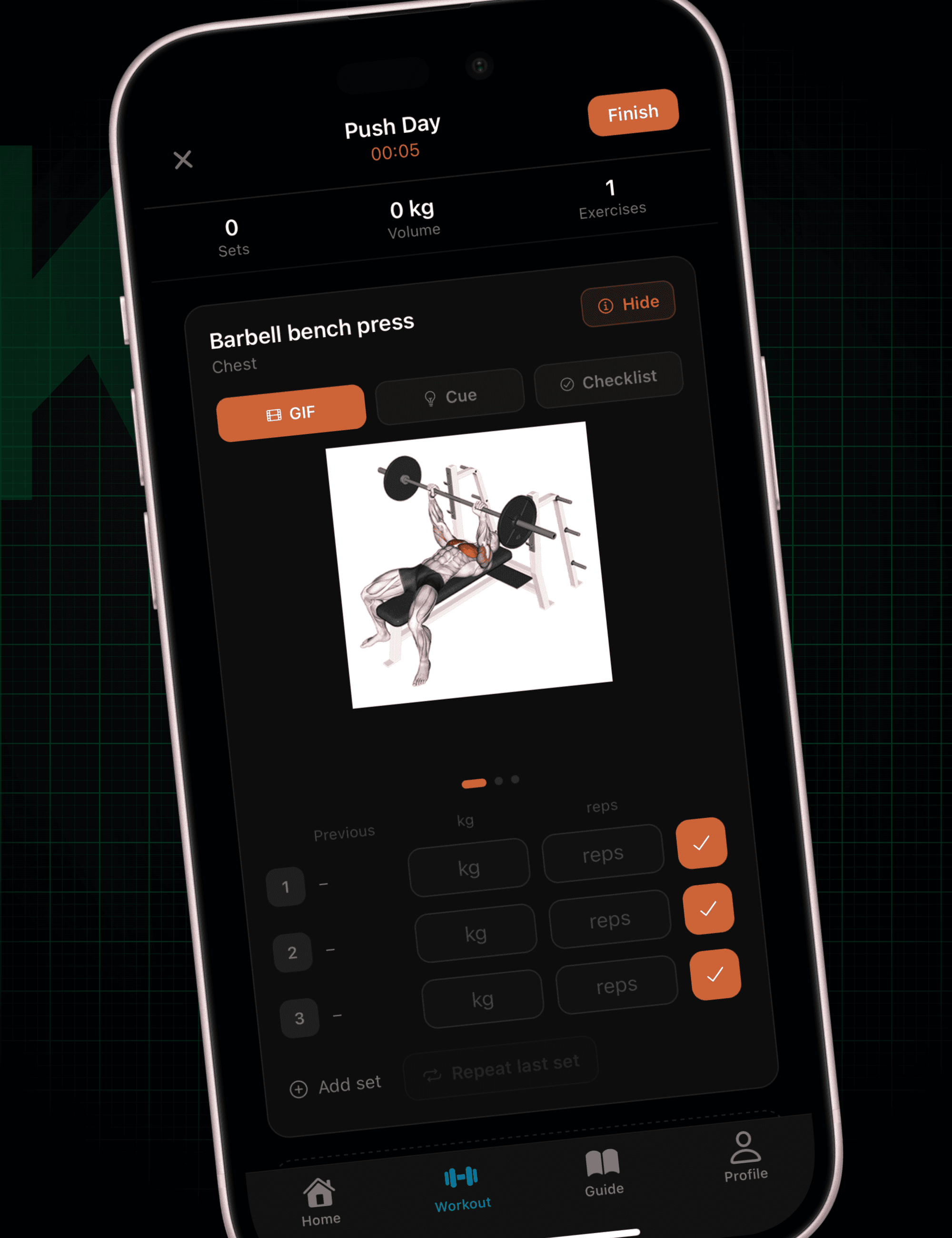
Fitbod
Fitbod builds your workout for you session to session, using your logged history and estimated muscle recovery to recommend weights and set counts for each exercise. Its progressive overload logic leans heavily on volume and recency — if you crushed a lift last time, the recommended weight nudges up next time you train that muscle group. It's a strong fit for someone who wants an app to plan the whole session, not just adjust one lift at a time.
Juggernaut AI
Juggernaut AI comes out of the powerlifting world, and its progression logic is built around autoregulation — using velocity and effort-based feedback to decide how much a lift should move, rather than a fixed percentage-based schedule. It's a serious tool for lifters who already think in terms of training blocks and peaking, with a steeper learning curve than a general fitness app.
RP Hypertrophy App
The RP Hypertrophy App, from Renaissance Periodization, auto-adjusts your next session's sets, reps, and weight based on direct feedback you give after each set — how much of a pump you got, how sore you still are, whether a joint felt off. It's one of the more granular auto-regulation systems available, built specifically around hypertrophy-focused volume progression rather than raw strength numbers.
Strong
Strong remains one of the best pure loggers for serious lifters — fast set entry, a plate calculator, and clean PR tracking that flags a new max the moment you hit one. What it won't do is make the overload call. It'll show you that your squat has been flat for three sessions; deciding whether that means more weight, more reps, or a deload is still on you.
Picking Based on What You Actually Want Decided
- Want the whole decision made for you, with coaching built in? Krato and Fitbod both auto-adjust the plan; Krato adds the coaching cue layer on top.
- Already training with velocity or RPE-based methods? Juggernaut AI and the RP Hypertrophy App speak that language natively.
- Just want an accurate, fast record and you'll make the call yourself? Strong is still one of the best at that specific job.
None of these are wrong choices — they're built for different amounts of trust you're willing to hand over. The honest question is whether you want an app that remembers your training, or one that actually manages it.
Frequently Asked Questions
What's the difference between logging progressive overload and tracking it?
Logging just records what happened — the weight, reps, and date. Tracking progressive overload means the app uses that history to make a decision about your next session, whether that's adding weight, adding a rep, or backing off. Most apps only do the first one.
Can an app really know when I should deload?
A good auto-progression system can flag the pattern that usually precedes a deload — repeated missed reps, stalled weight across sessions — and adjust accordingly. It's working from the same signals a coach would use, just applied automatically and consistently, session after session.
Do I need a different app if I already use a spreadsheet?
A spreadsheet can track history as well as any app. What it can't do is make the overload decision for you — you still have to look at the numbers and decide what's next, every single session. That manual step is exactly what auto-adjusting apps remove.
Krato reads what you actually lifted last time and adjusts your plan automatically — free on the App Store.